|
QBoat Sunny |
| CPU |
Annapurna Labs AL-314, 4-core,1.7GHz |
| System Memory |
2 GB DDR3L (On-board) |
| Flash Memory |
512MB NAND |
| Drive Compatibility |
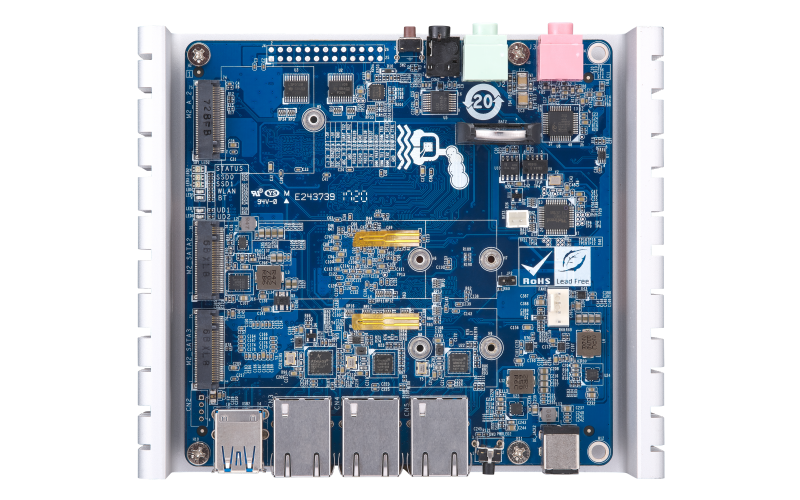
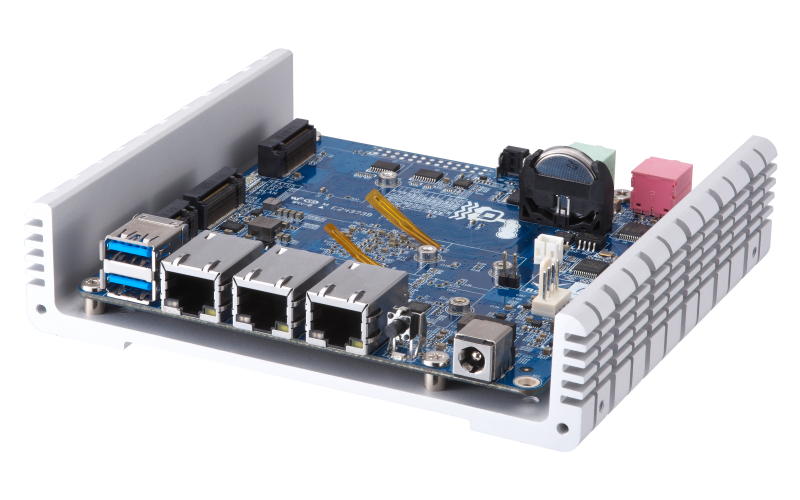
M.2 SATA SSD, SATA 6 Gb/s and 3 Gb/s |
| M.2 SSD Slot |
2 x M key 2260/2280 types |
| Other slot |
1 x M.2 A key 2230 type (wireless module) |
| USB Port |
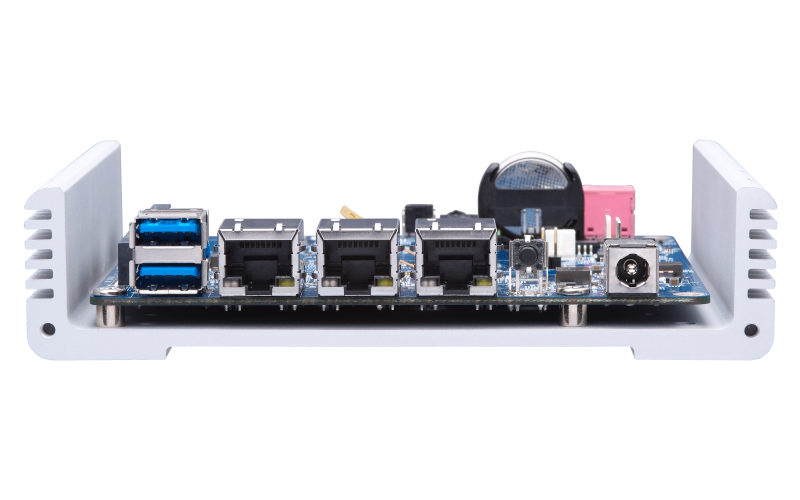
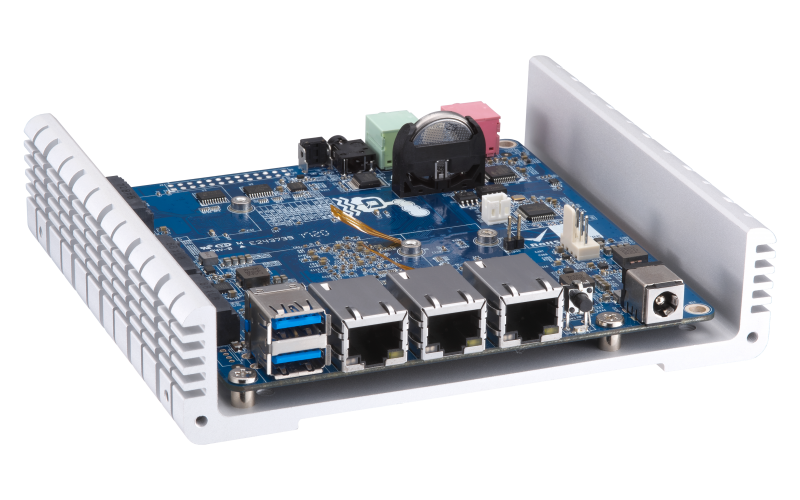
2 x USB 3.1 Gen1 Type A |
| Gigabit Ethernet Port |
3 x RJ45 |
| Audio |
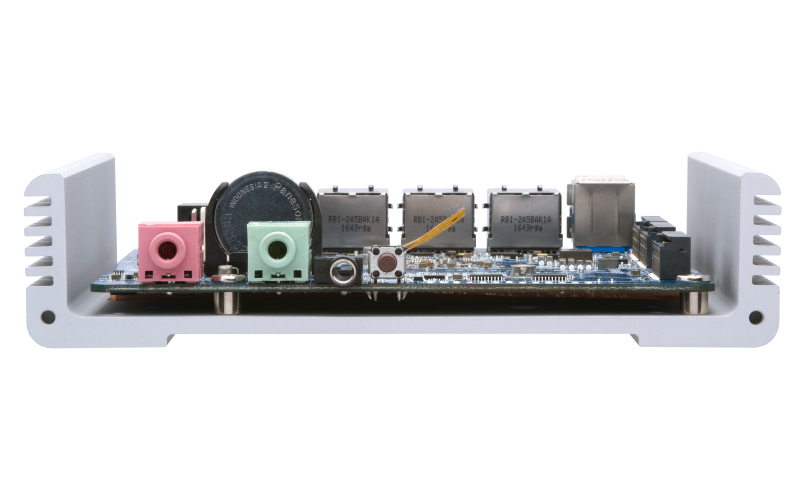
1 x 3.5mm Audio-out jack
1 x 3.5mm Audio-in jack |
| Maintenance Port |
1 x 3.5mm jack |
| LED Indicators |
System Status, SSD0, SSD1, User Defined, Wirelwss Module |
| Real-Time Clock (RTC) |
V (with one CR2032 battery and one additional power port) |
| Buttons |
Power, System Reset |
| Form Factor |
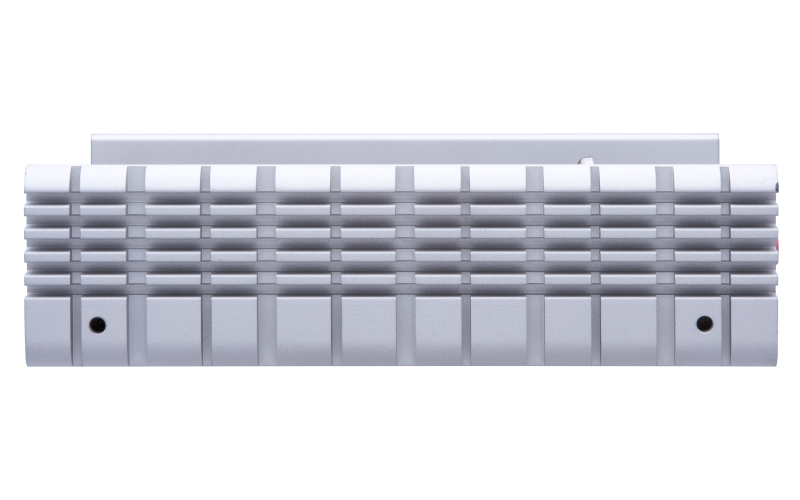
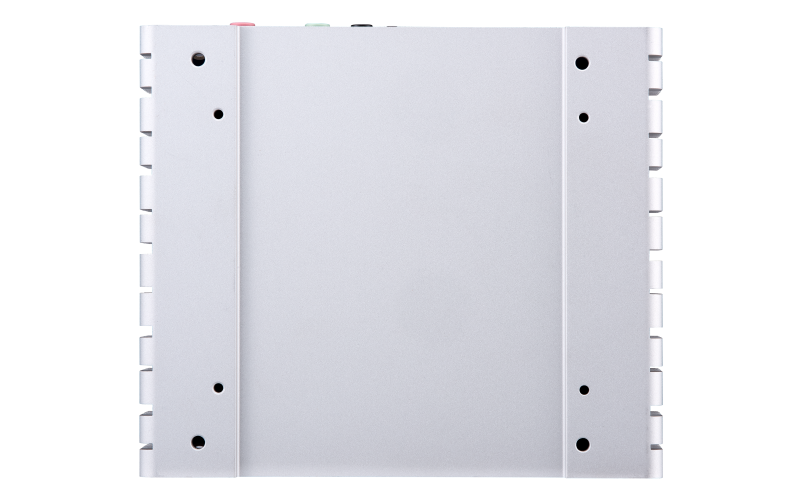
System Development Board with Heatsink Base |
| Dimensions (H x W x D) |
5.67 x 4.96 x 1.32 inch
144 x 126 x 33.5 mm
(Heat Sink Included) |
| Weight |
Net: 1.08 lbs (0.49 kg)
Gross: 2.31 lbs (1.05 kg) |
| Power Consumption (W) |
SSD Idle: 9.49 W
In operation: 13.31 W |
| Operating Temperature & Relative Humidity |
0 to 35˚C, 5 to 95%, non-condensing, wet bulb temperature: 27˚C |
| Power Supply Unit |
External, 12V, 36W |
| Fan |
1 x connector for 4-wire fan |
|
QBoat Sunny |
| Operating System |
QTS Lite 4.3.3 (embedded Linux) |
| Power Management |
1. Wake on LAN
2. Scheduled power on/off
3. Automatic power on after power recovery |
| Supported Client OS |
1. Windows 7 (32/64-bit), Windows 8 (32/64-bit), Windows 10 (32/64-bit)
2. Microsoft Windows Server 2003, 2008 R2, 2012, 2012 R2 and 2016
3. Apple Mac OS X
4. Linux & UNIX |
| Storage Management |
1. Storage space utilization monitoring
2. SMART data migration
3. SSD read-only or read-write cache
Note: The cache size depends on the total memory.
4. Bad block scan and hard drive S.M.A.R.T. |
| Supported Browsers |
1. Microsoft Internet Explorer 10+
2. Mozilla Firefox 8+
3. Apple Safari 4+
4. Google Chrome |
| File System |
1. Internal Hard Drive: EXT4
2. External Hard Drive: EXT3, EXT4, NTFS, HFS+ |
| Networking |
1. TCP/IP (IPv4 & IPv6: Dual Stack)*
2. NICs with jumbo frame (failover, multi-IP settings, port trunking/NIC teaming)
3. Service binding based on network interfaces
4. Proxy client |
| Access Right Management |
1. Batch user creation
2. Import/Export users
3. User quota management
4. Local user access control for CIFS, AFP, FTP, and WebDAV
5. Subfolder permissions support for CIFS/SMB, AFP, FTP, and File Station management |
| Web Administration |
1. Multi-window, multi-tasking based system management
2. Smart toolbar and dashboard for neat system status display
3. Dynamic DNS (DDNS)
4. SNMP (v2 & v3)
5. Resource monitor
6. Network recycle bin for file deletion via CIFS/SMB, AFP, and File Station - Automatic Cleanup - File Type Filter
7. Comprehensive logs (events & connection)
8. Syslog client/server
9. System settings backup and restore |
| Security |
1. Network access protection with auto-blocking: SSH, Telnet, HTTP(S), FTP, CIFS/SMB, AFP
2. CIFS host access control for shared folders
3. FIPS 140-2 validated AES 256-bit volume-based and shared folder data encryption*
4. AES 256-bit external drive encryption
5. Importable SSL certificates
6. Instant alert via E-mail, SMS, beep,and push service
7. 2-step verification
Note: Data encryption functions may be unavailable in accordance with the legislative restrictions of some countries.
|
| Domain Authentication Integration |
1. Microsoft Active Directory (AD) & Domain Controller support
2. LDAP server, LDAP client
3. Domain users login via CIFS/SMB, AFP, FTP, and File Station |
| Resource Monitor |
1. Monitor NAS system resources including CPU, memory and network.
2. Monitor the resource usage of NAS applications. |
| Multilingual Support |
Chinese (Traditional & Simplified), Czech, Danish, Dutch, English, Finnish, French, German, Greek, Hungarian, Italian, Japanese, Korean, Norwegian, Polish, Portuguese (Brazil), Romanian, Russian, Spanish, Swedish, Thai, Turkish |
| myQNAPcloud Service |
1. Private cloud storage and sharing
2. Free host name registration (DDNS)
3. Supports myQNAPcloud SSL certificates (DDNS)
4. Auto router configuration (via UPnP)
5. Web-based file manager with HTTPS 2048-bit encryption
6. CloudLink for remote access without any complicated router setup
7. myQNAPcloud connect for easy VPN connection (Windows VPN utility) |
| Helpdesk |
1. Report issues to the QNAP support team, with automatically-collected system information.
2. Allows QNAP support engineers to remotely connect to the NAS to fix issues (with user permission). |
| File Server |
1. File sharing across Windows, Mac, and Linux/UNIX
2. Windows ACL
3. Advanced folder permissions for CIFS/SMB, AFP, FTP
4. Shared folder aggregation (CIFS/SMB) monitoring & management |
| Storage Plug & Connect |
Creating and mapping shared folders by QNAP Windows Qfinder Pro |
| FTP Server |
1. FTP over SSL/TLS (Explicit)
2. FXP support
3. Passive ftp port range control |
| QIoT Suite Lite |
1. Support models: 2GB RAM or more, QTS Lite 4.3.3
2. Create IoT Application with Multiple Things, Single Rule and Single Dashboard with Things Management, Thing Type Management, etc.
3. QIoT Device gateway supporting protocols such as MQTT/MQTTS, HTTP/HTTPS/ CoAP.
4. QIoT Rule engine based on Node-Red with custom QIoT Nodes. |
| QUSBCam2 |
1. Turn USB Camera into IP Camera.
2. Support UVC (USB video device class) USB Camera.
3. Support MJPEG Format.
4. Support RTSP Url for getting the live stream of camera. |
| Hybrid Backup Sync |
1. Cloud storage backup to Amazon S3, Amazon Glacier, Microsoft Azure, Google Cloud Storage, Openstack Swift, WebDAV, and HKBN
2. Cloud storage syncing with Microsoft OneDrive, Google Drive, Dropbox, Amazon Drive, Yandex Disk, Box, hubiC, BackBlaze B2, Amazon S3, and HiDrive
3. RTRR server & client with bandwidth control
4. Rsync server with download bandwidth control |
| Container Station |
1. Supports LXC and Docker
2. Supports CPU/Memory management
3. Download applications from the built-in Docker Hub Registry
4. Supports one-click installation, container export/import & console mode |
| File Station |
1. Supports mounting a Cloud Drive (such as Google Drive, Dropbox, Microsoft OneDrive, Amazon Cloud Drive, Yandex Disk and Box).
2. Supports mounting remote shared folders through FTP, WebDAV or Microsoft networking (SMB/CIFS)
3. Supports opening documents via Office Online, Google Docs or Chrome Extension (Edit Office files in Google Docs, Sheets, and Slides)
4. Supports ISO Mounting (Up to 256 ISO Files) |
| QVPN Service (Integrated VPN Server, VPN Client and L2TP/IPSec VPN Services) |
1. VPN Server: Secure remote access with PPTP、L2TP/IPSec & OpenVPN VPN services.
2. VPN Server: Up to 100 clients.
3. VPN Server: Supports domain users as VPN users.
4. VPN Client: Supports PPTP, L2TP/IPSec & OpenVPN VPN protocols. |
| App Center |
Official and community software add-ons such as Cloudlink, JRE, Perl, Python, Node.js, Connect to Cloud Drive and Malware Remover |
Note: Use only QNAP memory modules to maintain system performance and stability. For NAS devices with more than one memory slot, use QNAP modules with identical specifications. Warning: Using unsupported modules may degrade performance, cause errors, or prevent the operating system from starting.
* Sound Level Test Environment: Refer to ISO 7779; Maximum HDD loaded; Bystander Position; Average data from 1 meter in front of operating NAS.
Designs and specifications are subject to change without notice.